
Open the menu on a meal card and choose Cook Meal Prep. Pick how many lunches you want, choose a prep recipe, and tap Prep It. FlexiDiet fills those days with your containers, each one already counted, so one cook covers your lunches for the days ahead.
Step by Step
- 1Open the menu on a meal card.
- 2Tap Cook Meal Prep.
- 3Choose how many lunches, then Choose Prep Recipe.
- 4Pick a recipe and tap Prep It.
Video Transcript
Cook once, eat all week. Open the meal card, cook a batch, and your lunches are sorted for the days ahead, every container already counted.
Good To Know
How is a container counted?
Each container is one portion with its own calories, logged when you eat it.
More How-To Videos
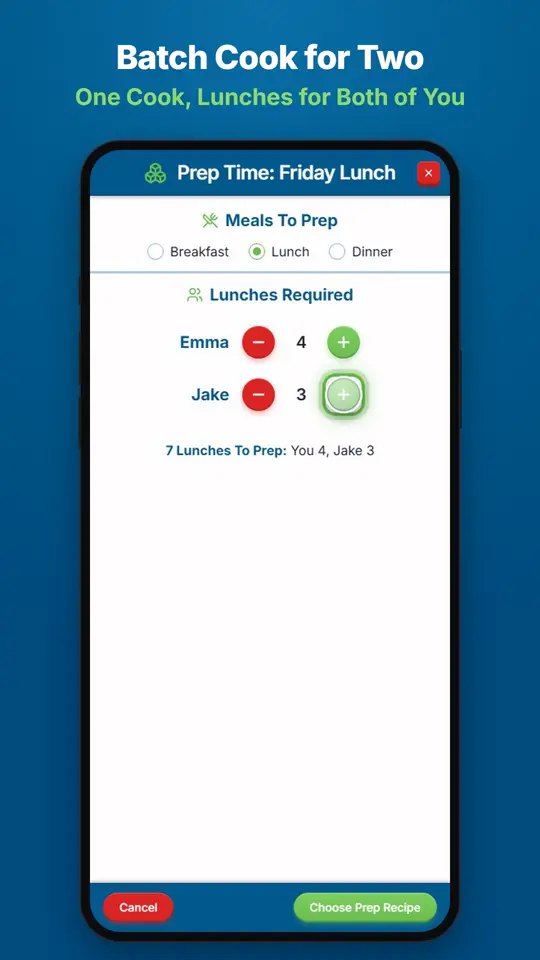
Can I Share a Batch With My Partner?When you cook a meal prep batch, add lunches for your partner as well as for yourself.
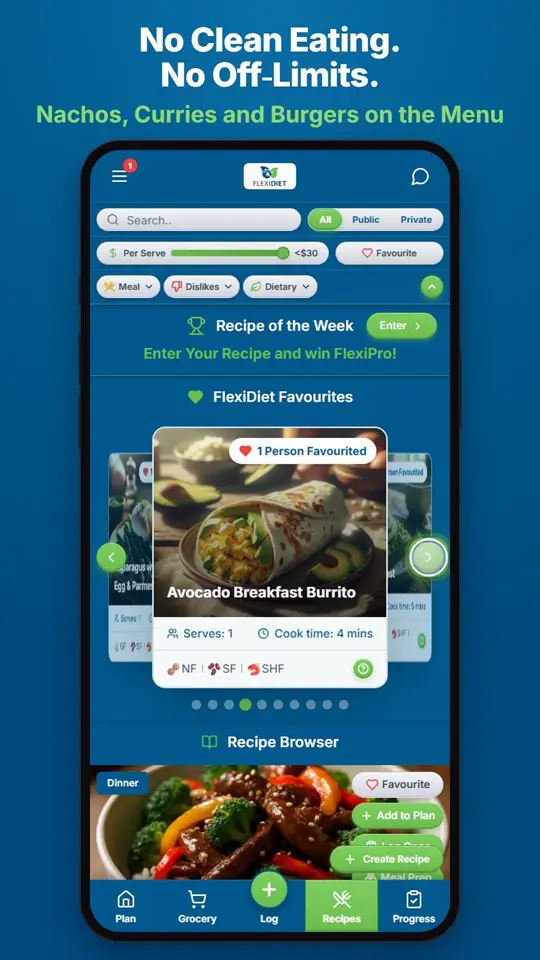
What Recipes Can I Eat on FlexiDiet?Anything you enjoy.
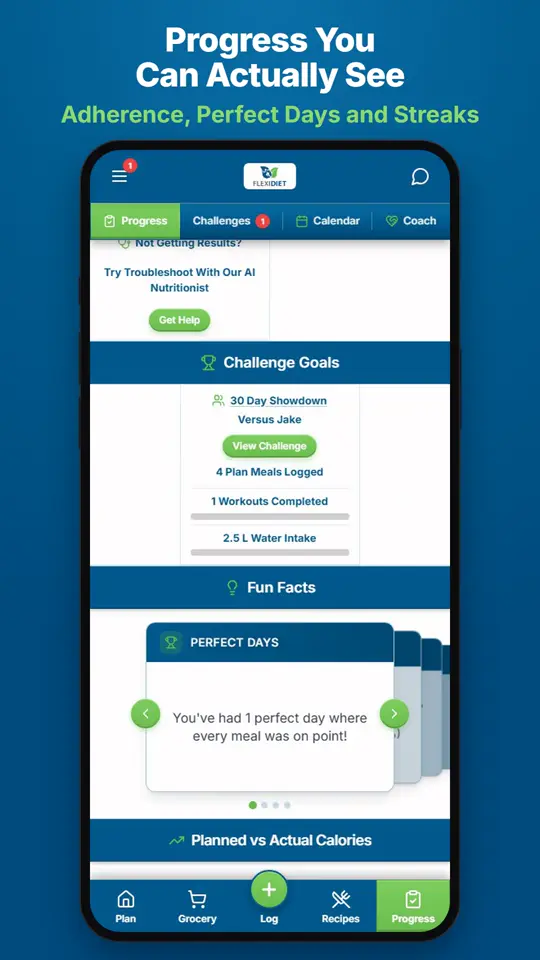
How Do I See My Progress?Open Success Tracker (Progress) to see how you are going: how closely you stuck to your plan against your adherence goal, your perfect days, and your streaks over time.