
Tap Log at the bottom of the screen, choose Scan Barcode, and point your camera at the pack. FlexiDiet finds the product, shows its calories and macros, and you set the servings and log it. Scanning is free and takes a few seconds, with no searching through lists.
Step by Step
- 1Tap Log at the bottom of the screen.
- 2Choose Scan Barcode.
- 3Point your camera at the barcode.
- 4Check the Scan Result, set the servings, and log it.
Video Transcript
Point the camera at any pack. It reads the barcode, finds the product, and you log it. Scan it, log it, done.
Good To Know
What if the barcode is not found?
Snap the nutrition label instead with Photo Label, and it reads the numbers off the pack.
Is it really free?
Yes. Barcode scanning is free in FlexiDiet.
More How-To Videos
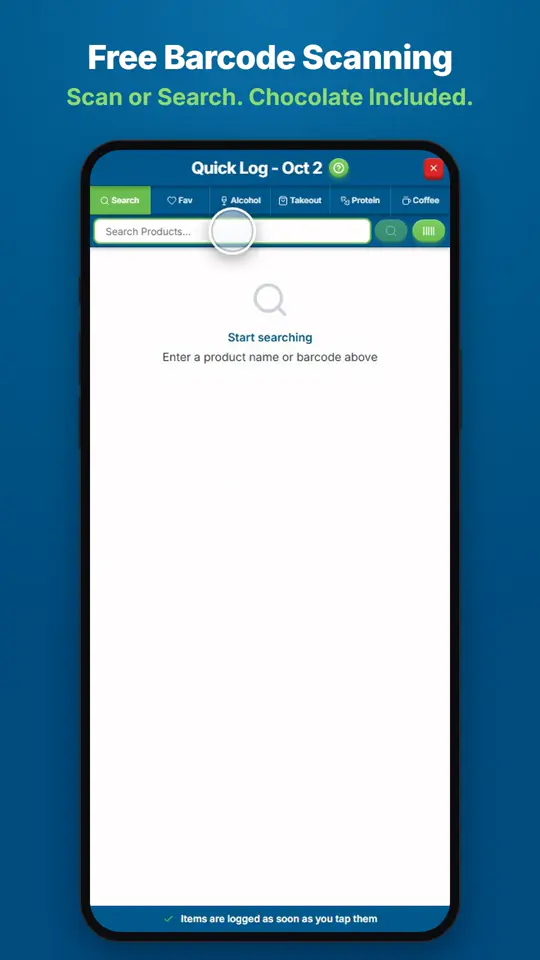
How Do I Find and Log Any Food?Open Quick Log and search for the product, or scan its barcode.
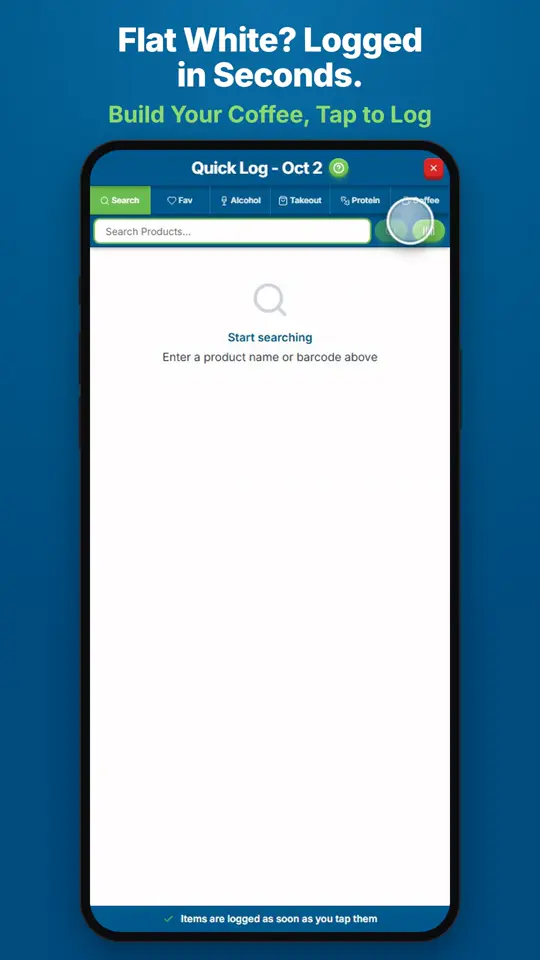
How Do I Log a Coffee?Open Quick Log and tap Coffee.
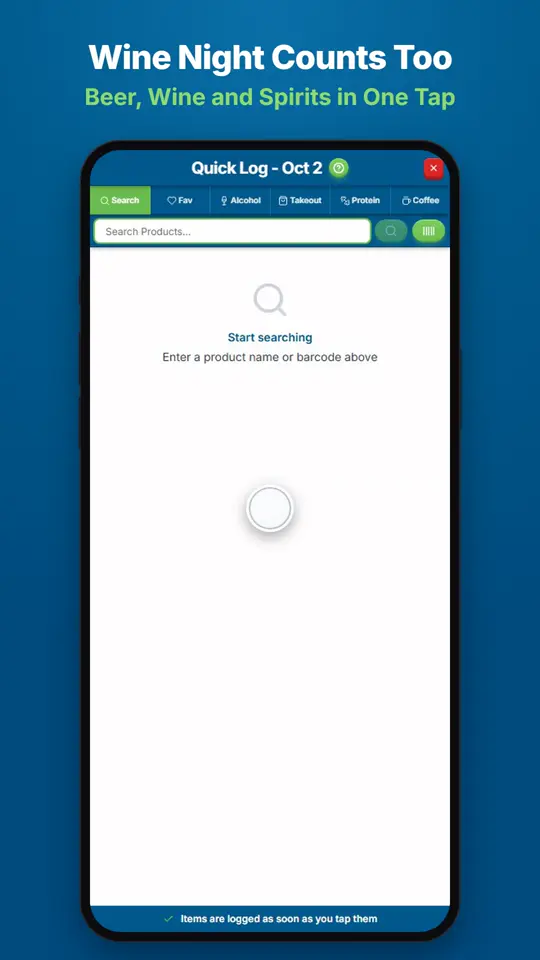
How Do I Log Wine, Beer or Spirits?Open Quick Log and tap Alcohol.