
When you sign up, FlexiDiet works out a daily calorie target from your age, height, weight and activity, then asks you to pick a pace. Choose a slower or faster pace and your goal date moves with it, so you can see exactly when you would reach your goal before you create an account.
Step by Step
- 1Tap Get Started and answer the questions about you.
- 2At Pick Your Ideal Pace, tap a pace such as Mild or Moderate.
- 3Watch your goal date update for that pace.
- 4Continue to see your daily calorie target.
Video Transcript
Pick your pace. You'll see your goal date before you even sign up.
Good To Know
Can I change my pace later?
Yes. Your goal and pace can be changed in Settings at any time, and your calorie target updates with it.
Which pace should I pick?
Moderate is the recommended pace for most people. A slower pace means a smaller daily deficit that is easier to stick to.
More How-To Videos
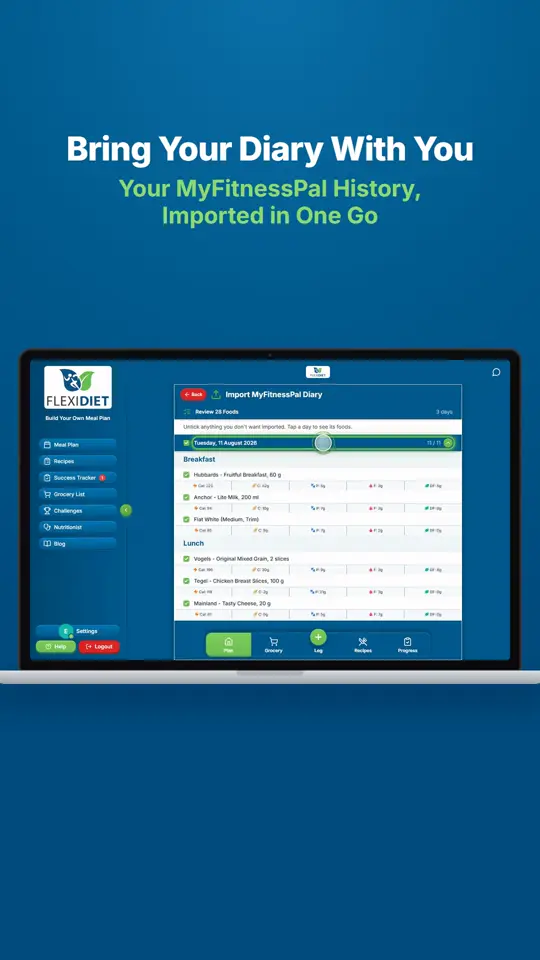
Can I Bring My MyFitnessPal History With Me?Save your MyFitnessPal printable diary as a PDF and upload it to FlexiDiet.
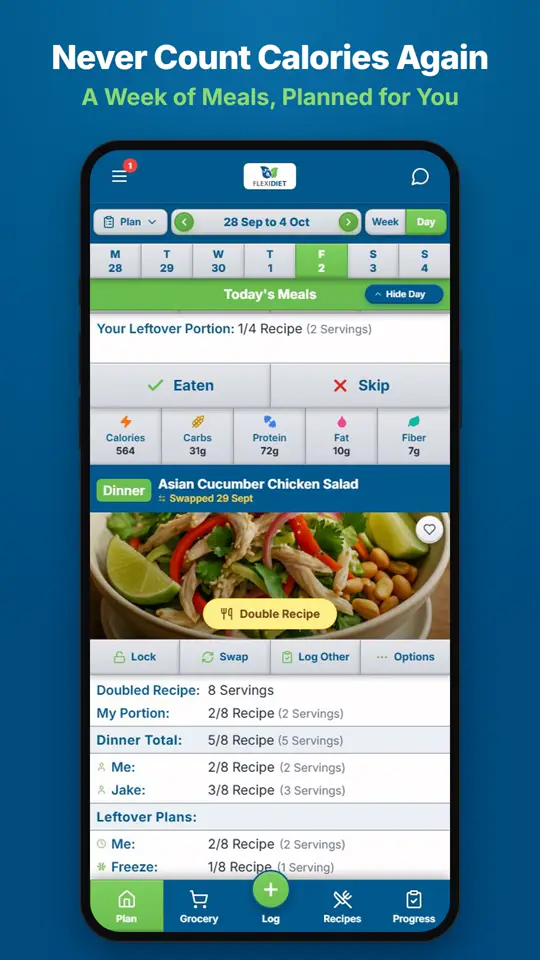
How Does a Weekly Meal Plan Work in FlexiDiet?FlexiDiet plans your whole week of breakfasts, lunches, dinners and snacks around your calorie target.
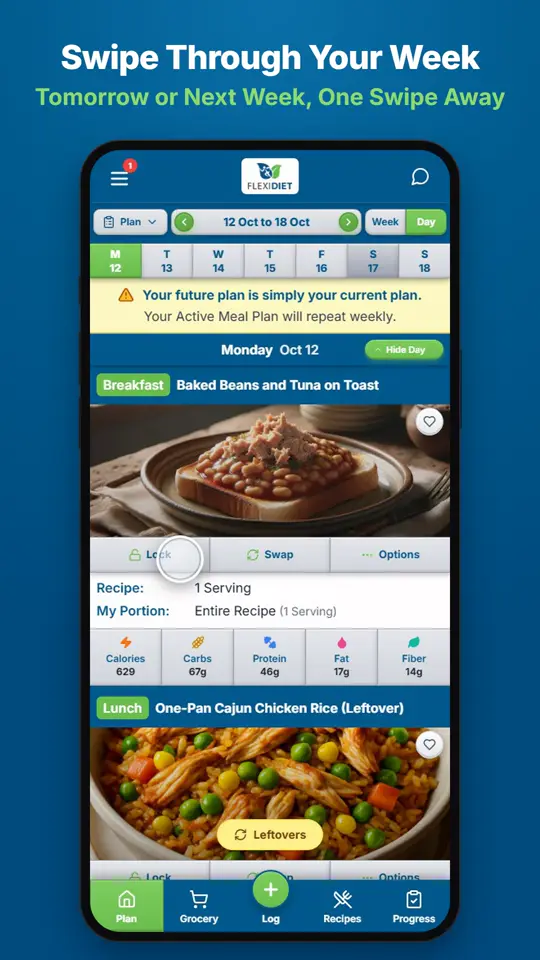
How Do I Move Between Days and Weeks?In Day view, swipe left on your meal plan to go to tomorrow and right to go back a day.