
Open the menu on a meal card and choose Copy to Another Day, then pick the day you want it. The copy keeps its portion and calories, so you can have a meal you loved again, or eat the same lunch every day, and your day still adds up.
Step by Step
- 1Tap Plan and find the meal.
- 2Open the menu on its card.
- 3Tap Copy to Another Day.
- 4Pick the day, then tap Copy Meal.
Video Transcript
Loved that meal? Copy it to another day and have it again. It's still counted, so your day still adds up.
Good To Know
Does copying change the original?
No. The original meal stays where it is.
More How-To Videos
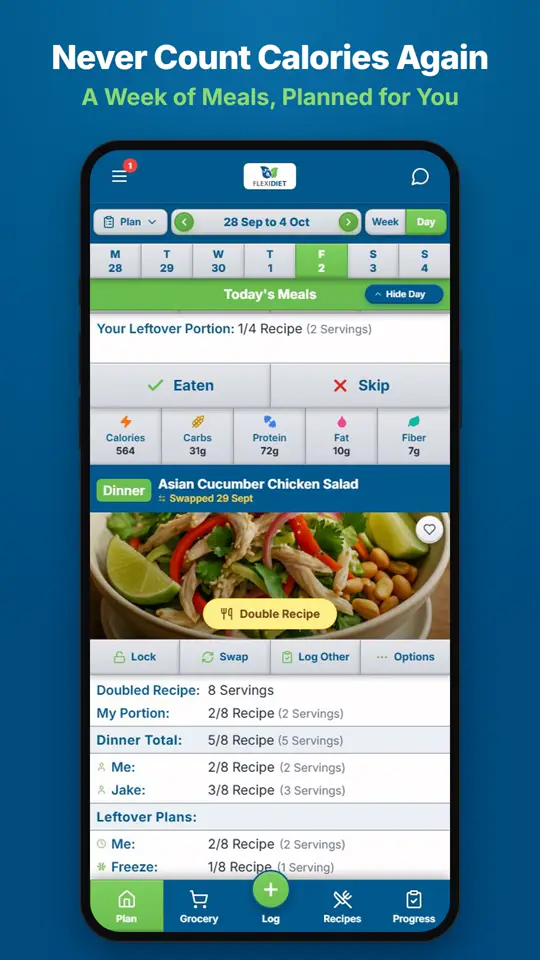
How Does a Weekly Meal Plan Work in FlexiDiet?FlexiDiet plans your whole week of breakfasts, lunches, dinners and snacks around your calorie target.
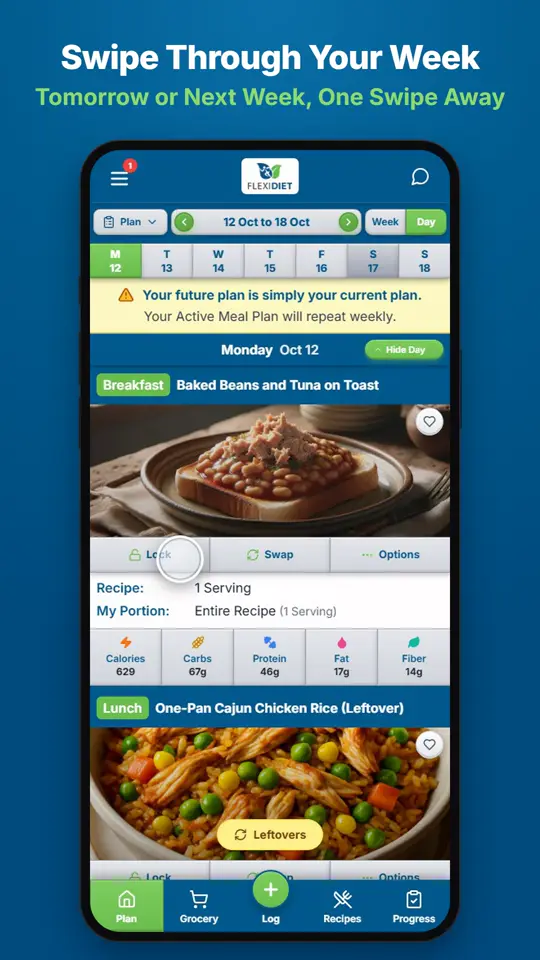
How Do I Move Between Days and Weeks?In Day view, swipe left on your meal plan to go to tomorrow and right to go back a day.
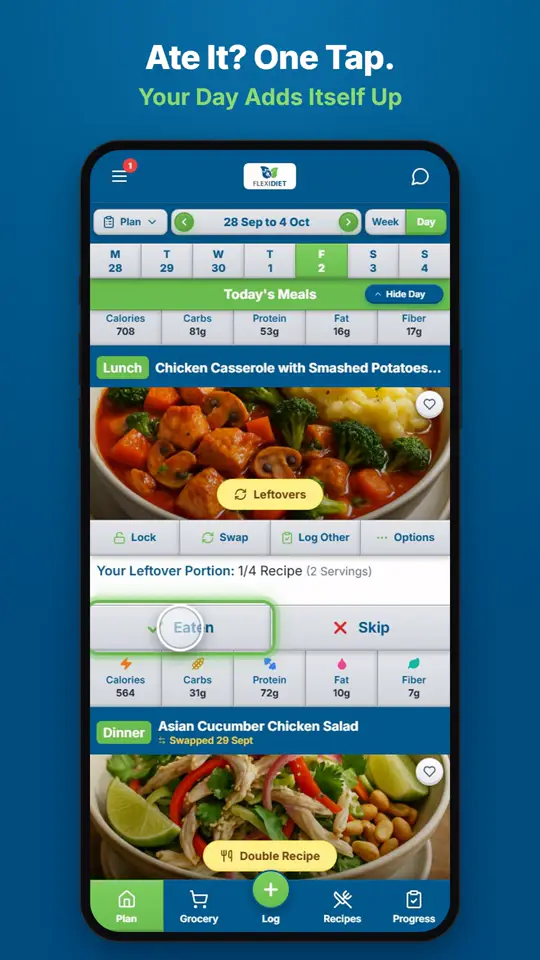
How Do I Log a Meal I Ate?If you ate the meal on your plan, tap Eaten on its card.