
If you ate the meal on your plan, tap Eaten on its card. That is the whole log: the calories and macros for your portion are already worked out, so your day adds itself up. If you ate something else, log it with Quick Log, a barcode scan or a photo instead.
Step by Step
- 1Tap Plan at the bottom of the screen, on today.
- 2Find the meal you ate.
- 3Tap Eaten on its card.
- 4Check your day total update at the top.
Video Transcript
Ate it? Tap Eaten. Your day adds itself up.
Good To Know
What if I skipped the meal?
Tap Skip instead, so your day shows what really happened.
What if I only ate half?
Change the servings on the day totals and the calories follow.
More How-To Videos
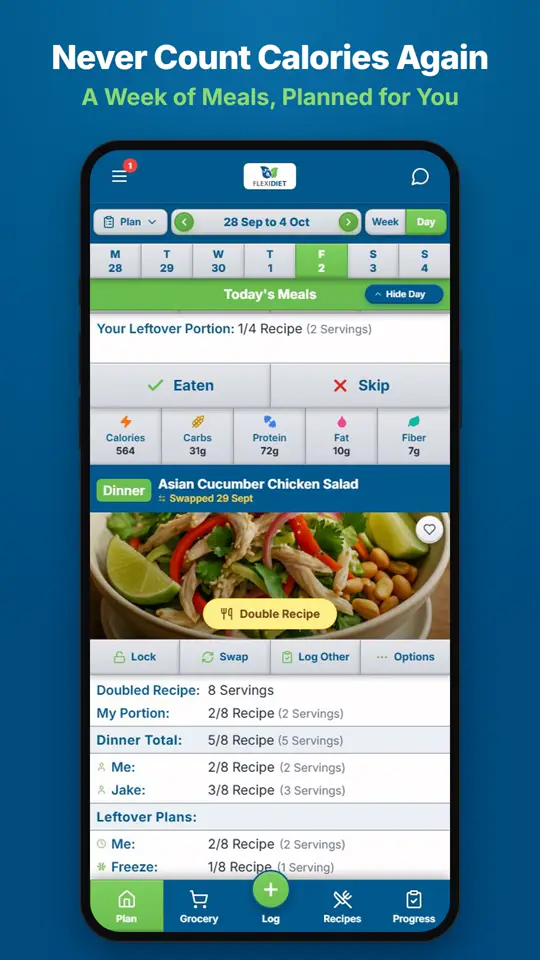
How Does a Weekly Meal Plan Work in FlexiDiet?FlexiDiet plans your whole week of breakfasts, lunches, dinners and snacks around your calorie target.
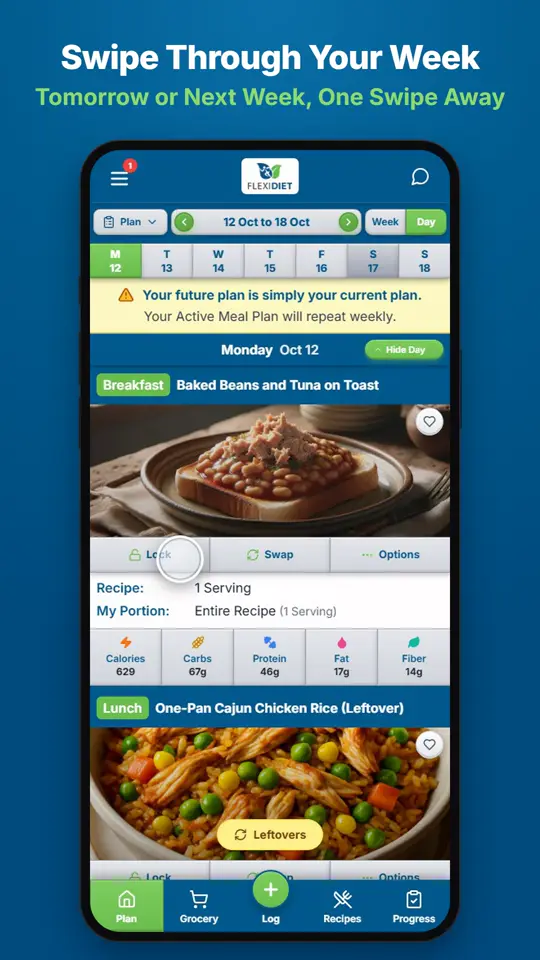
How Do I Move Between Days and Weeks?In Day view, swipe left on your meal plan to go to tomorrow and right to go back a day.
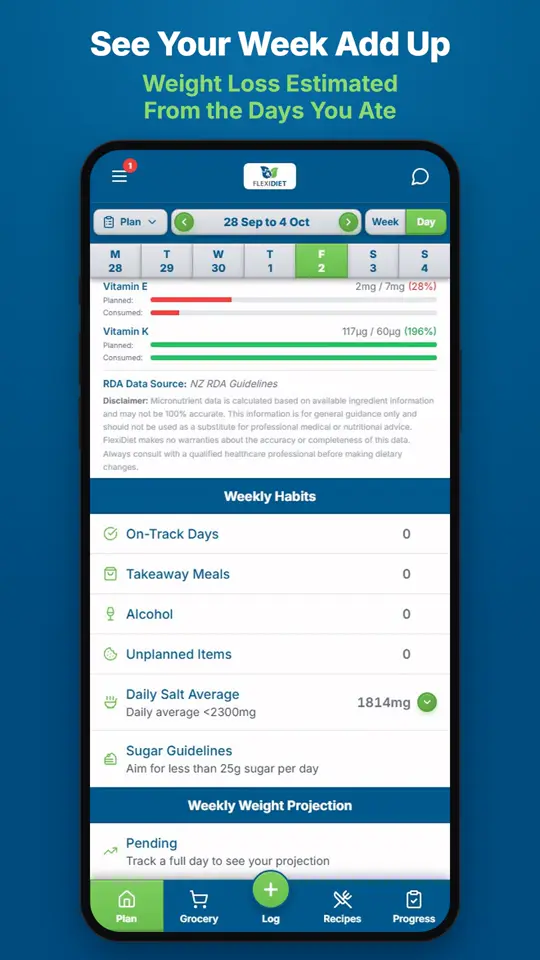
What Does the Weekly Summary Show?The weekly summary adds up the days you logged: calories eaten against your target, your habits, and an estimate of the weight change those days are worth.