
Tap the lock on a meal card to lock that meal in. When your plan is made again for a new week, locked meals stay where they are, so a dinner your household loves keeps turning up without you having to find and add it each time.
Step by Step
- 1Tap Plan and find the meal you love.
- 2Tap the lock on its card.
- 3The lock closes to show the meal is kept.
- 4Tap it again any time to unlock it.
Video Transcript
Found a dinner you love? Lock it in, and it stays in your plan every week.
Good To Know
Can I still swap a locked meal?
Yes. A lock only stops the plan replacing it. You can still swap it yourself.
More How-To Videos
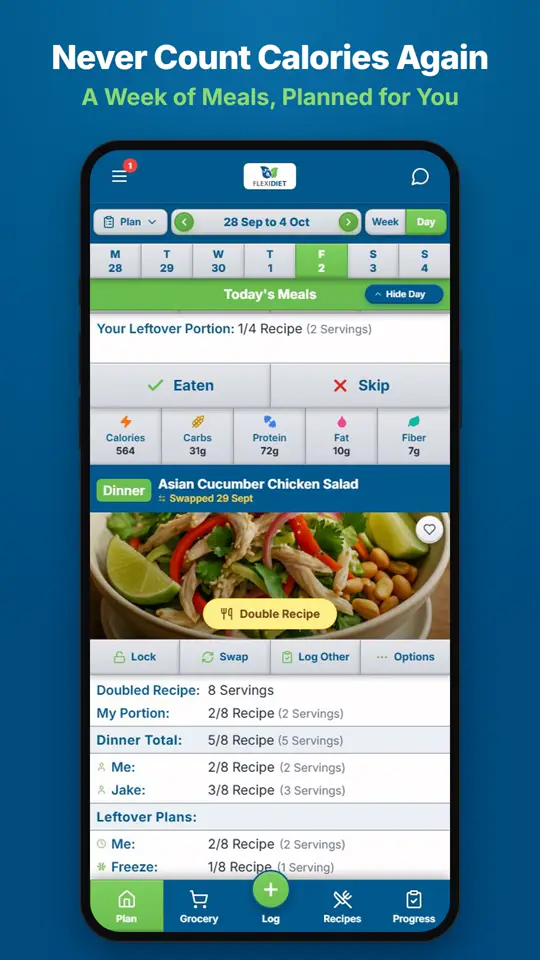
How Does a Weekly Meal Plan Work in FlexiDiet?FlexiDiet plans your whole week of breakfasts, lunches, dinners and snacks around your calorie target.
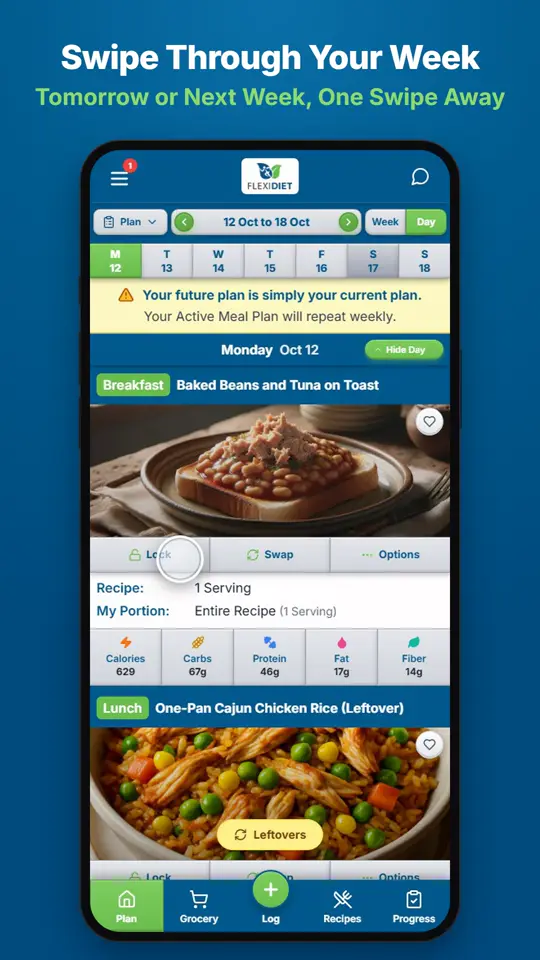
How Do I Move Between Days and Weeks?In Day view, swipe left on your meal plan to go to tomorrow and right to go back a day.
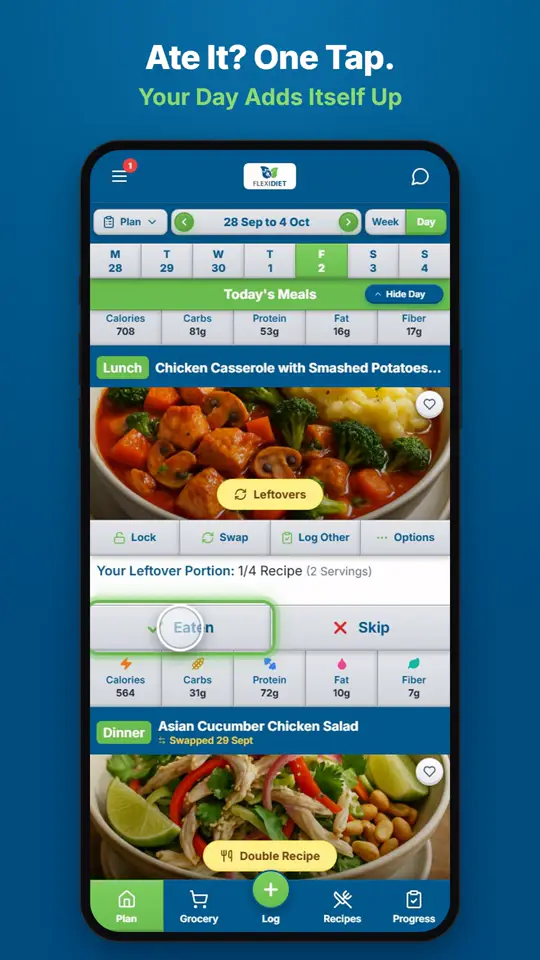
How Do I Log a Meal I Ate?If you ate the meal on your plan, tap Eaten on its card.