
Yes. Open the menu on the meal card and choose Swap for Random Replacement. You get a different recipe that fits the same target. Tap Try Another until one appeals, then tap Accept. Every option fits your day, so you never have to work out the numbers yourself.
Step by Step
- 1Open the menu on the meal card.
- 2Tap Swap for Random Replacement.
- 3Tap Try Another for a different option.
- 4Tap Accept when you find one you like.
Video Transcript
Don't fancy tonight's dinner? Tap once for a new one. Not that either? Tap again. Every swap still fits your day, so your numbers stay on track.
Good To Know
Will it suggest foods I dislike?
No. Foods you have marked to avoid are left out of every swap.
More How-To Videos
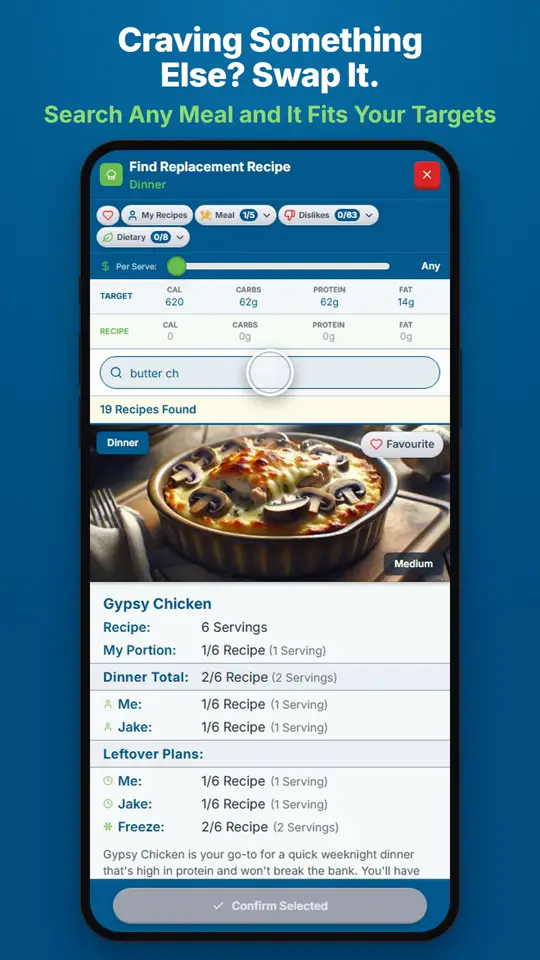
How Do I Swap a Meal I Don't Want?Open the menu on the meal card and choose Search for Replacement.
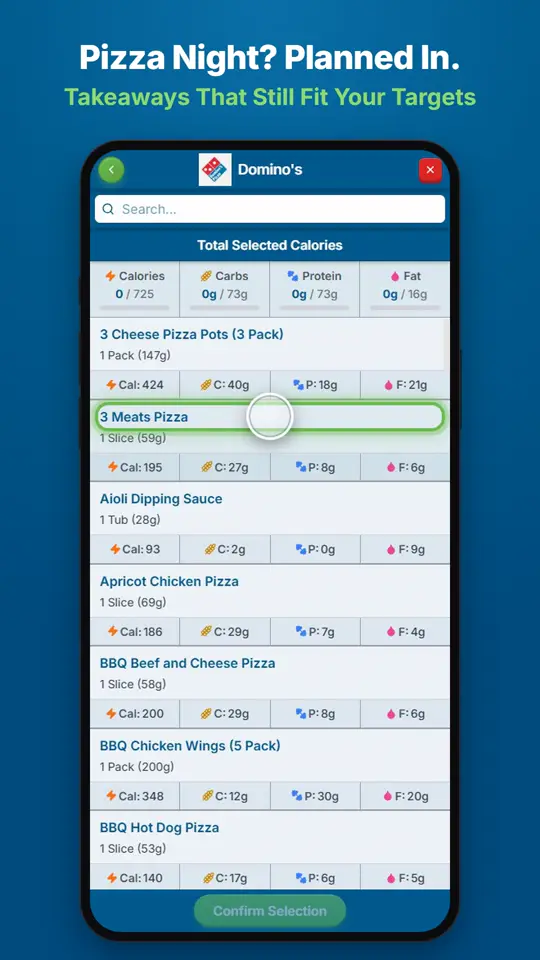
Can I Fit Pizza or a Takeaway Into My Plan?Open the menu on the meal card and choose Show Takeaway Options.
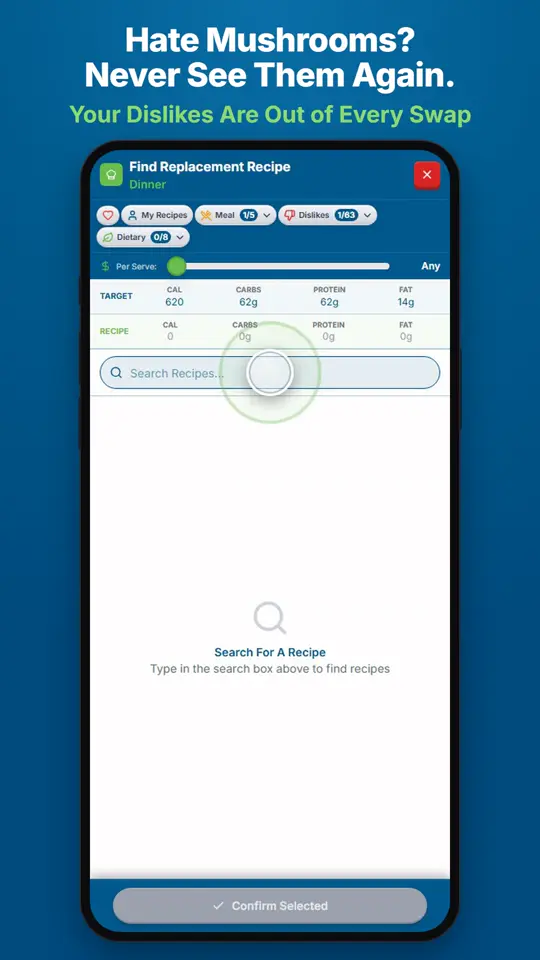
How Do I Stop Foods I Dislike Showing Up?Add them to Foods You Love and Avoid in Settings.