
Open the menu on the meal card and choose Search for Replacement. Search for anything you feel like, pick a recipe, and tap Use this Recipe. The new meal is portioned to the same target as the one it replaces, so your day still adds up after the swap.
Step by Step
- 1Open the menu on the meal card.
- 2Tap Search for Replacement.
- 3Type what you feel like into Search Recipes.
- 4Pick a recipe and tap Use this Recipe.
Video Transcript
Craving something else? Search for any meal, pick the one you want, and it's swapped in at the right portion for your targets. Your day still adds up.
Good To Know
Will the swap change my calories?
No. The new meal is portioned to the same calorie target.
More How-To Videos
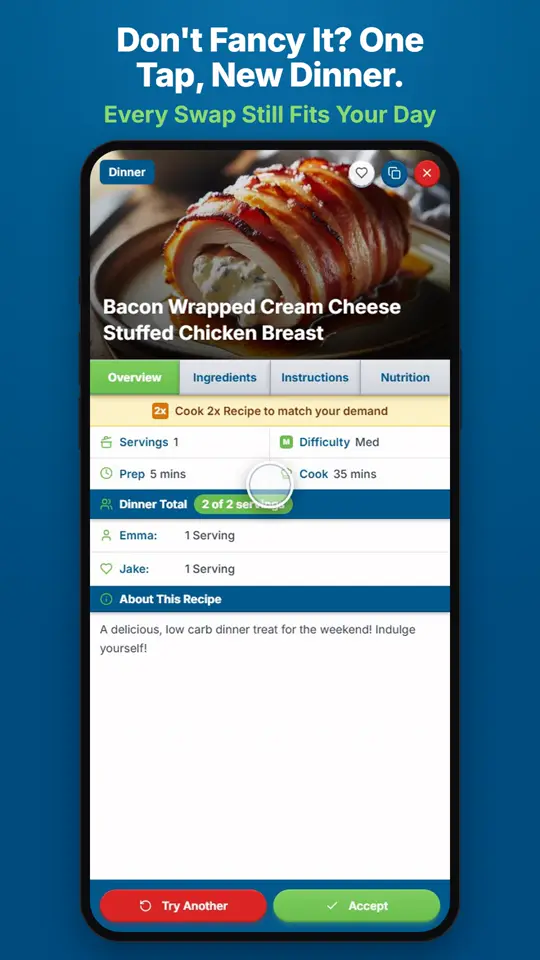
Can It Pick a Different Dinner for Me?Open the menu on the meal card and choose Swap for Random Replacement.
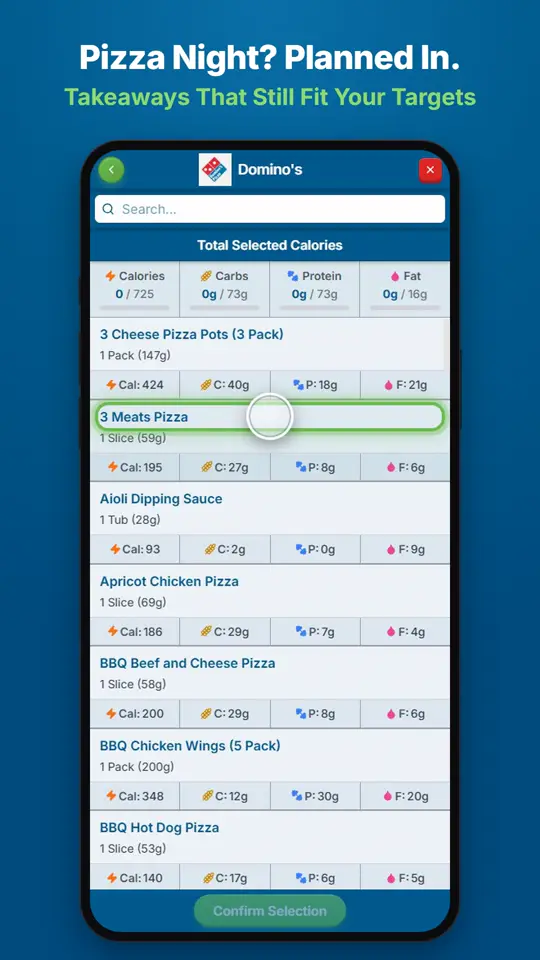
Can I Fit Pizza or a Takeaway Into My Plan?Open the menu on the meal card and choose Show Takeaway Options.
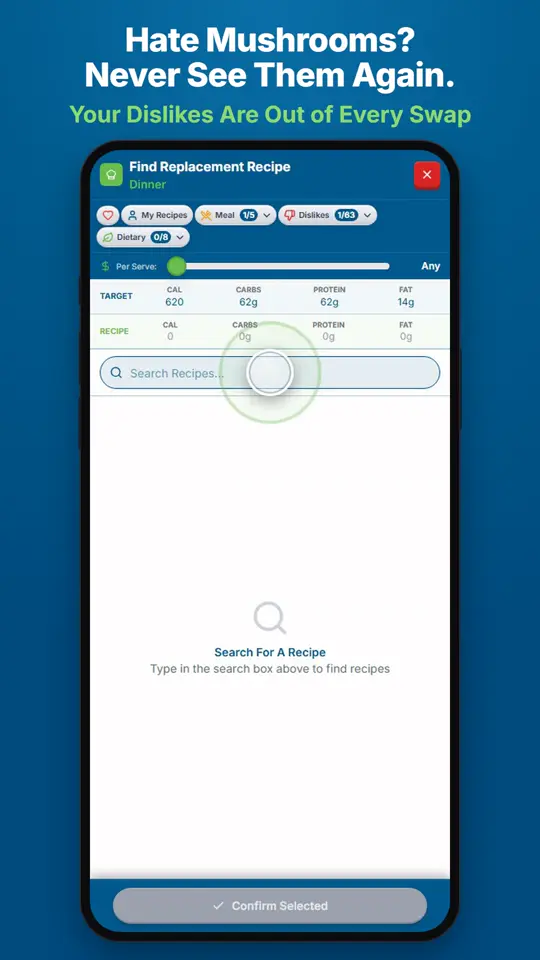
How Do I Stop Foods I Dislike Showing Up?Add them to Foods You Love and Avoid in Settings.